The HappyFox Helpdesk integration with Azure DevOps allows support teams to link tickets to work items, track development progress, and collaborate across support and engineering workflows.
Why Reauthorisation Is Required
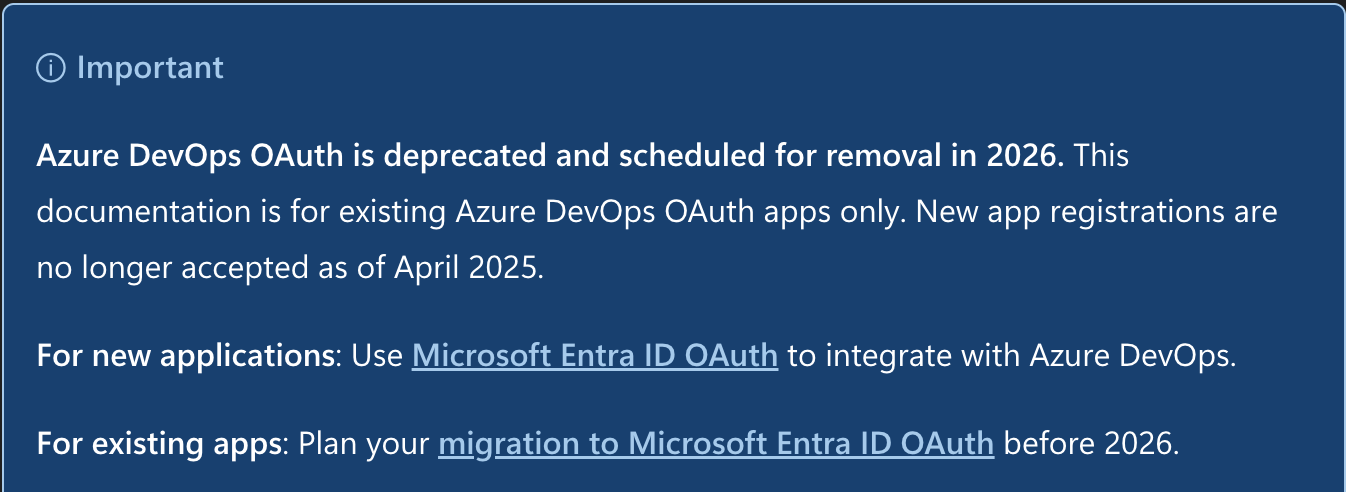
Microsoft is deprecating Azure DevOps OAuth (Visual Studio-based authentication) in 2026 and making Microsoft Entra ID OAuth mandatory for all Azure DevOps integrations. New app registrations using this method have not been accepted since April 2025.
To maintain uninterrupted access to your Azure DevOps integration, we strongly suggest reauthorising using Microsoft Entra ID OAuth before the legacy method is retired.
Important: This change is initiated by Microsoft, not HappyFox. Completing the reauthorization preserves all your existing integration settings and data.
Required Permissions
You must have the Manage apps settings permission in HappyFox to reauthorize the Azure DevOps integration.
Reauthorizing the Integration
Follow these steps to reauthorize your Azure DevOps integration using Microsoft Entra ID:
1. Log in to your HappyFox Helpdesk account.
2. Navigate to Apps → Integrations.
3. Locate your Azure DevOps integration in the list.
4. Click the Manage button next to the integration.
5. Click the Reauthorize button.
6. You will be redirected to Microsoft's authentication page. Sign in with your Microsoft account that has access to your Azure DevOps organization.
7. Review the permissions requested and click Accept to authorize HappyFox using Entra ID OAuth.
8. Once authorization is complete, you will be redirected back to HappyFox. Your integration is now using Entra ID authentication.
Note: The reauthorization process takes only a few minutes. All your existing settings, linked work items, and integration data remain intact.
Verifying Successful Reauthorization
After completing the reauthorization:
- Your Azure DevOps integration should continue functioning normally
- Existing linked work items remain connected to their tickets
- All integration settings are preserved
Frequently Asked Questions
Q: What happens if I don't reauthorize before the deadline?
A: Once Microsoft retires the legacy OAuth method in 2026, your Azure DevOps integration will stop working until you reauthorize using Entra ID.
Q: Will I lose my existing linked work items?
A: No. Reauthorizing preserves all your existing settings and data, including previously linked work items.
Q: Do I need to make any changes in Azure DevOps?
A: No changes are required on the Azure DevOps side. The reauthorization process handles the authentication method change automatically.
Q: When exactly will the old authentication method stop working?
A: Microsoft has announced the deprecation will occur at some point in 2026. We recommend completing the reauthorization as soon as possible to avoid any disruption.