Trello is a flexible project management tool that uses boards, lists, and cards to help teams organize tasks and collaborate more efficiently. With Trello, you can easily track tasks, set deadlines, assign responsibilities, and ensure that team members stay aligned on project progress.
The integration between HappyFox Helpdesk and Trello allows your agents to:
-
Create a new Trello card directly from a Helpdesk ticket.
-
Link an existing Trello card to a Helpdesk ticket.
Applicable Plans: ✔ Pro ✔ Enterprise Pro ✔ All Unlimited agents plan
Configuring HappyFox to Connect to Trello:
-
Log in to HappyFox and navigate to the Apps module.
-
Either search for Trello or navigate to the Project Management category to find the Trello app.
-
Click on the Trello tile and select Install.
-
To integrate your Trello account with HappyFox Help Desk, click the Link Trello button.
-
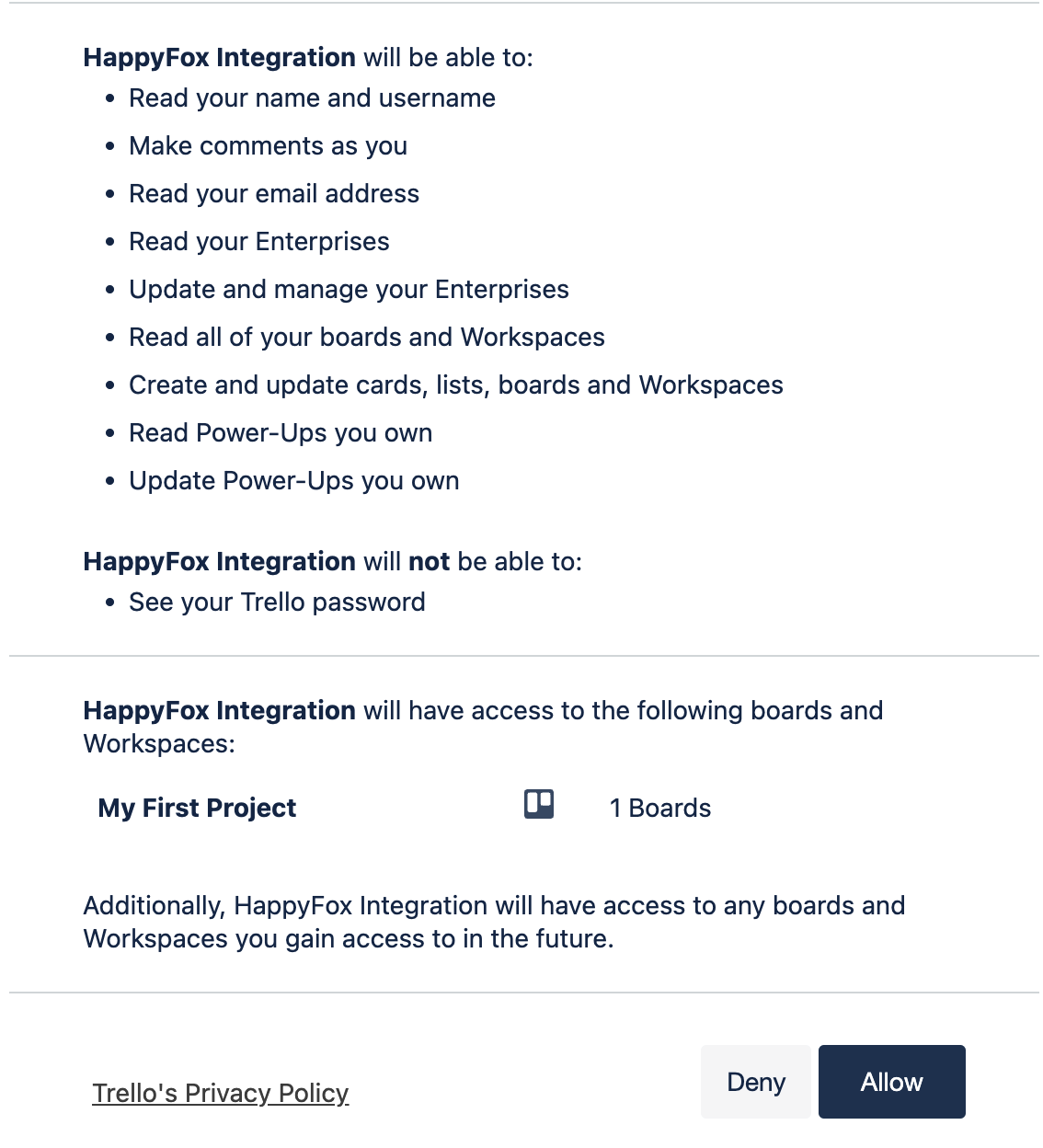
You will be redirected to authorize your Trello account to enable this integration.
-
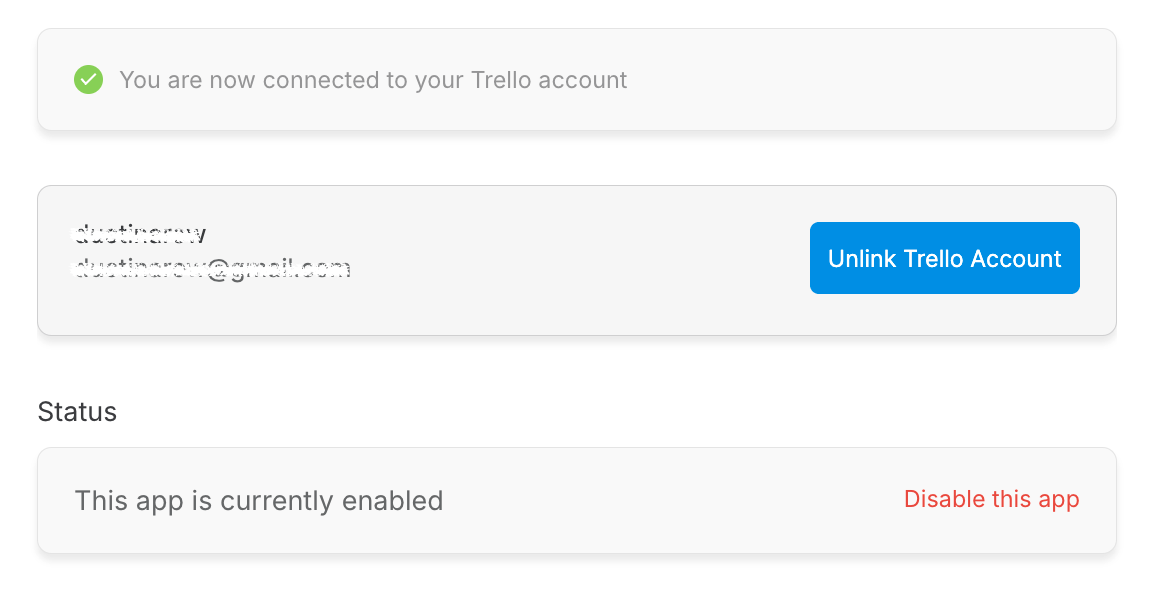
After authorization, you will be redirected back to HappyFox, confirming that the Trello integration is successfully configured.
-
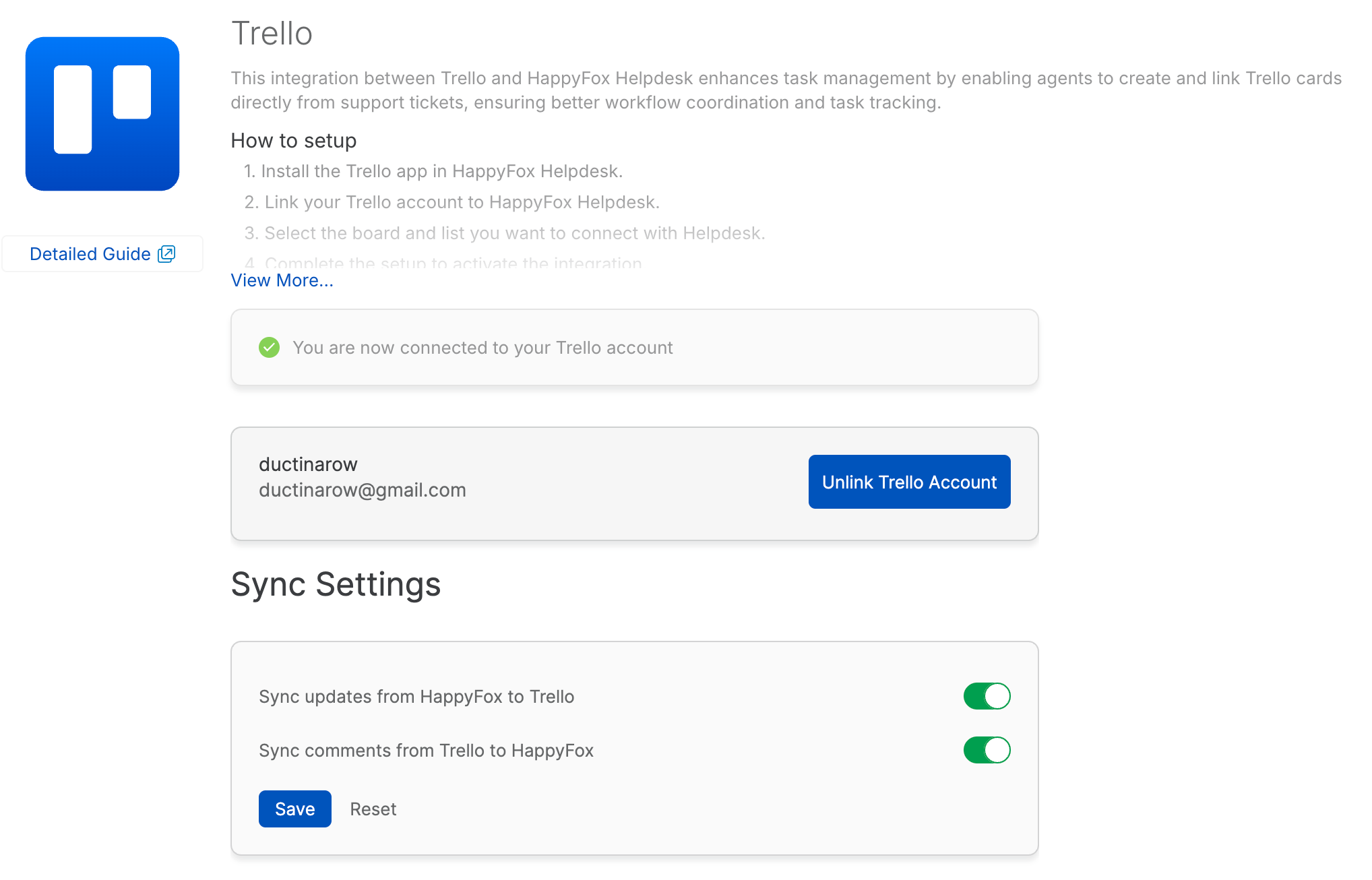
You can synchronize HappyFox ticket updates and Trello comments across the two platforms.
-
Sync updates from HappyFox to Trello: Enabling this toggle will push HappyFox ticket replies and private notes as comments on the linked Trello card.
-
Sync updates from Trello to HappyFox: Enabling this toggle will pull Trello comments into HappyFox as Trello Sync notes within the ticket.
-
-
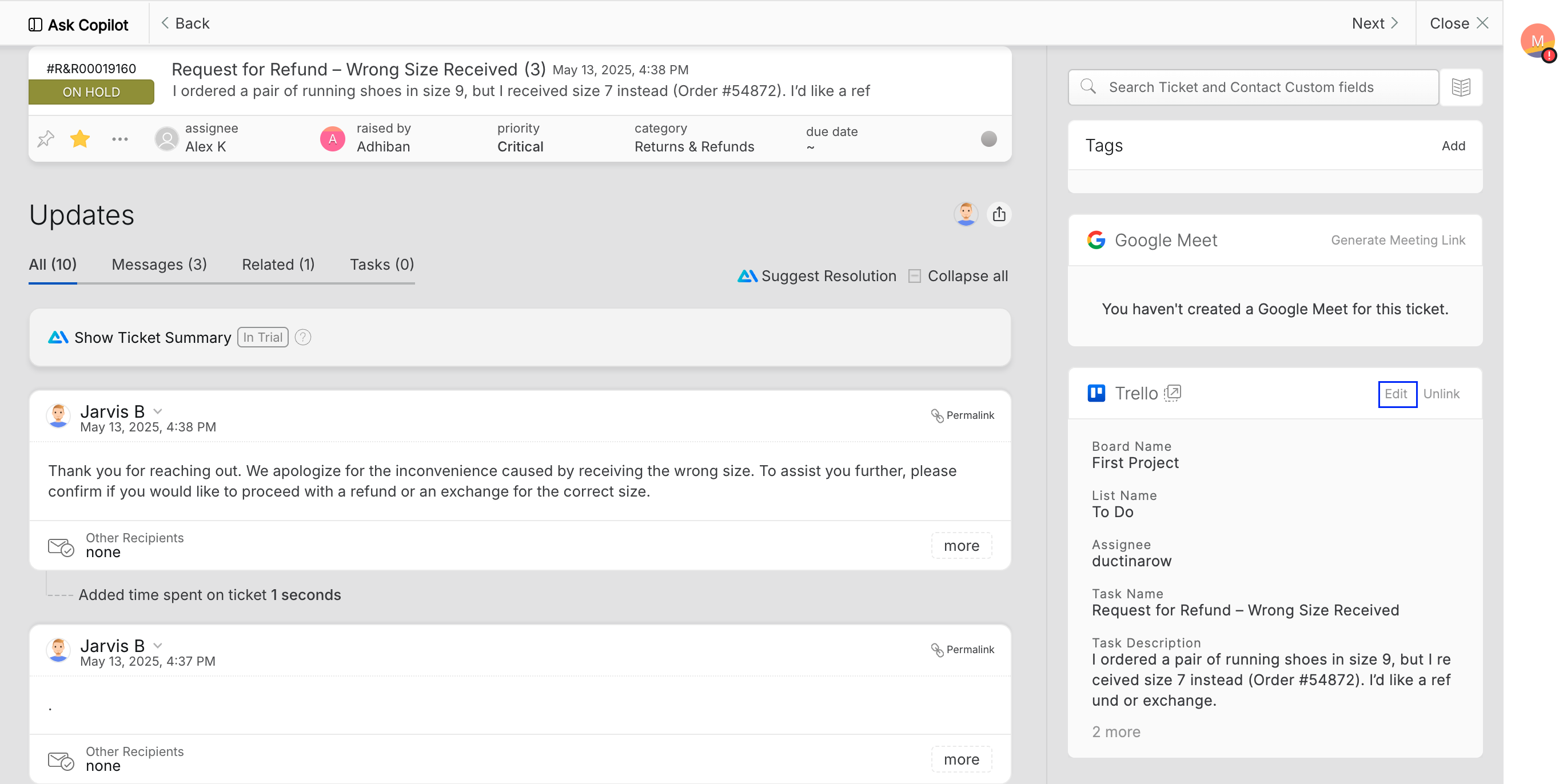
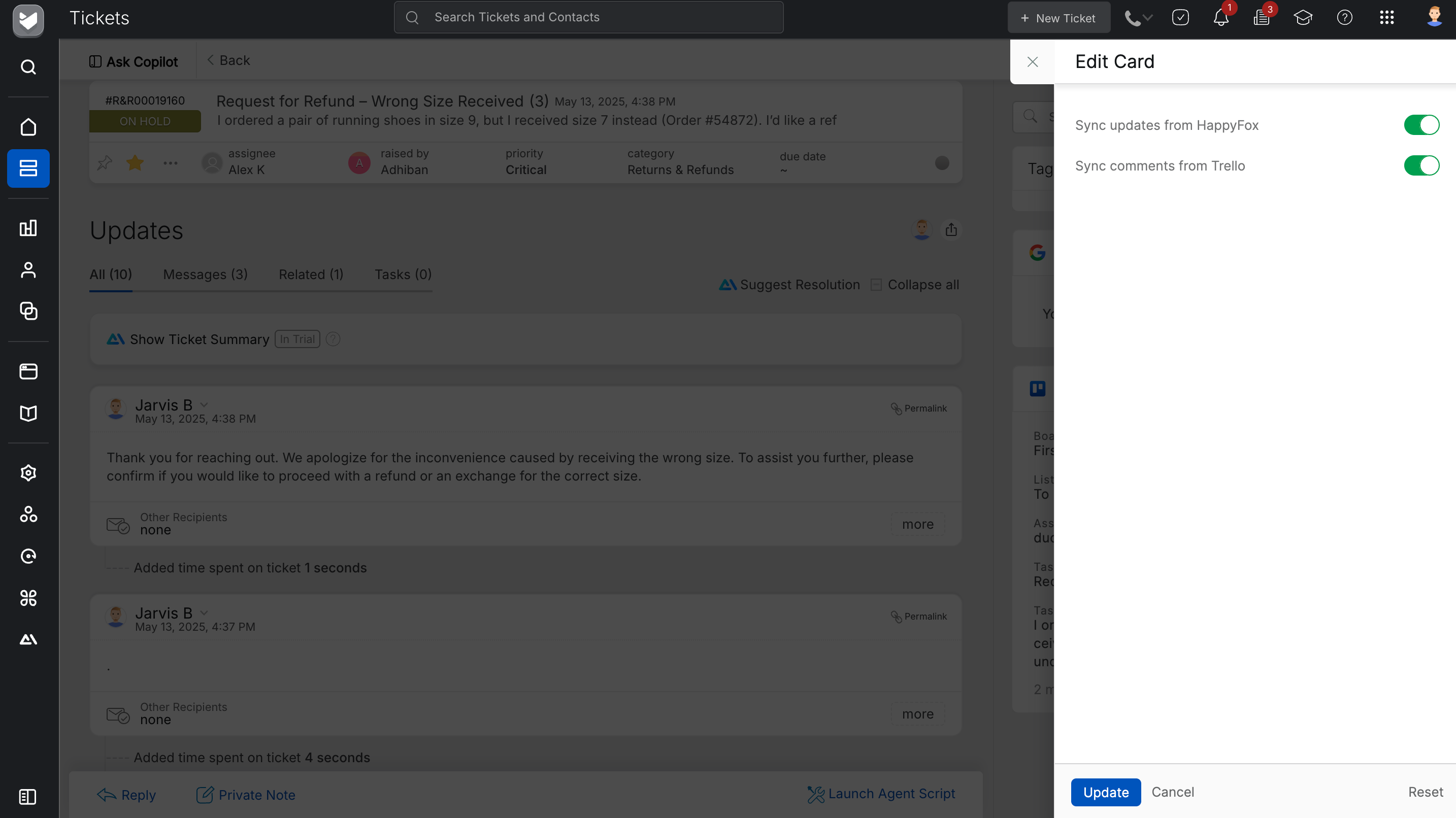
This setting can be overridden at the ticket level. To do so, open the ticket linked with Trello, click the Edit button in the linked card section, and adjust the sync settings for that specific ticket.
Creating a New Trello Card:
Once the Trello integration is set up, a new section will appear on the ticket detail page in HappyFox Helpdesk.
-
Open the ticket in HappyFox Helpdesk.
-
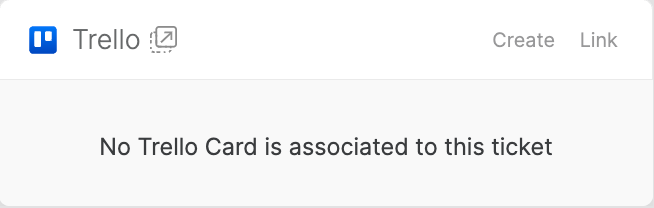
In the right pane, under the Trello section, you will see the placeholder message: "No Trello card is associated with this ticket."
-
Click on the Create button.
-
Select the Workspace, Board, and List where you want to create the Trello card.
-
The card name and description will be pre-filled with details from the HappyFox Helpdesk ticket.
-
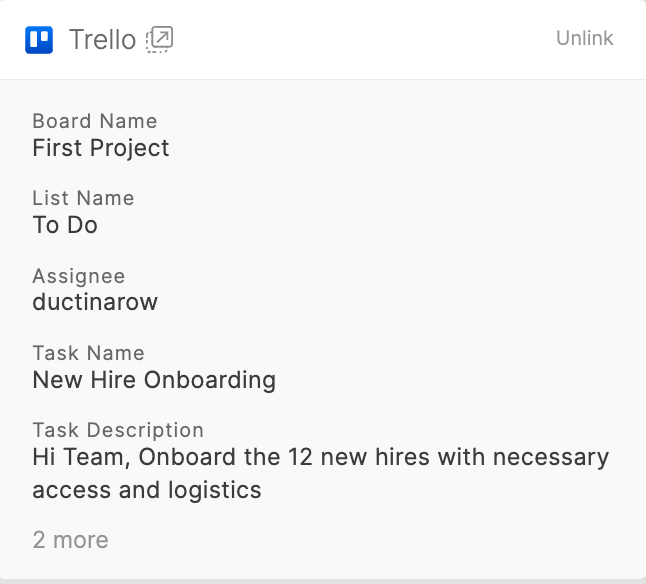
Once the card is created, it will be visible in the right pane of the HappyFox Helpdesk ticket.
-
Clicking on the popover icon will take you directly to the respective Trello card.
Linking an Existing Trello Card:
To link an existing Trello card to a HappyFox Helpdesk ticket:
-
Open the ticket in HappyFox Helpdesk.
-
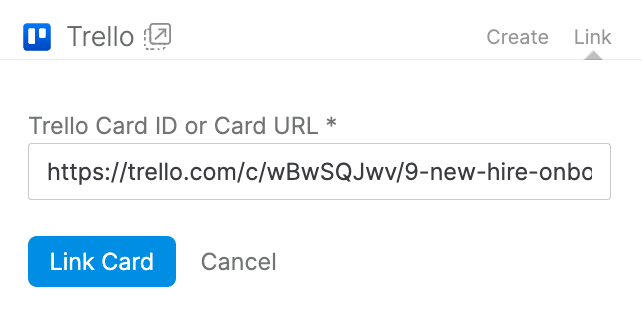
Click on the Link button in the Trello section.
-
Paste the Trello Card ID or URL and click the Link Card button.
-
The linked card will be displayed in the right pane of the HappyFox Helpdesk ticket.
Unlinking an Existing Trello Card:
To unlink a Trello card from a HappyFox Helpdesk ticket:
-
Open the ticket in HappyFox Helpdesk.
-
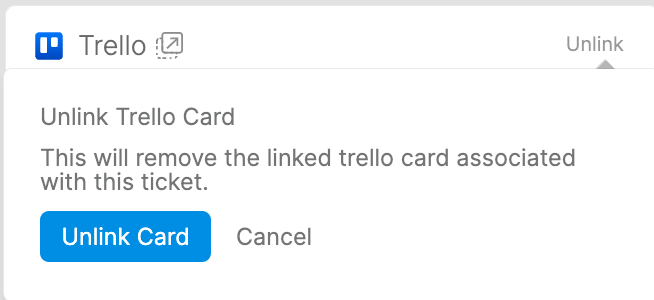
Click on the Unlink button.
-
Confirm by clicking the Unlink Card button again.
Unlinking Trello Account:
To unlink your Trello account from HappyFox Helpdesk:
-
Navigate to the Apps module in HappyFox Helpdesk.
-
Open the Manage page for the Trello integration.
-
Click on Unlink Trello Account.
Permissions Required:
- You must have the Manage Apps Settings permission in HappyFox Helpdesk to configure the Trello integration.
This integration enables seamless collaboration between HappyFox Helpdesk and Trello, ensuring efficient tracking and management of tasks directly from support tickets.