Use the details panel in HappyFox Messaging to review contact information beside the messages and move a request to the team responsible for it.
Review details
- Open the conversation in the Conversations workspace.
- Review Contact Information, Contact Fields Information, and Conversation Information on the right.
- Use Recent Tickets for earlier support history, and review tasks, tags, or time spent as needed.
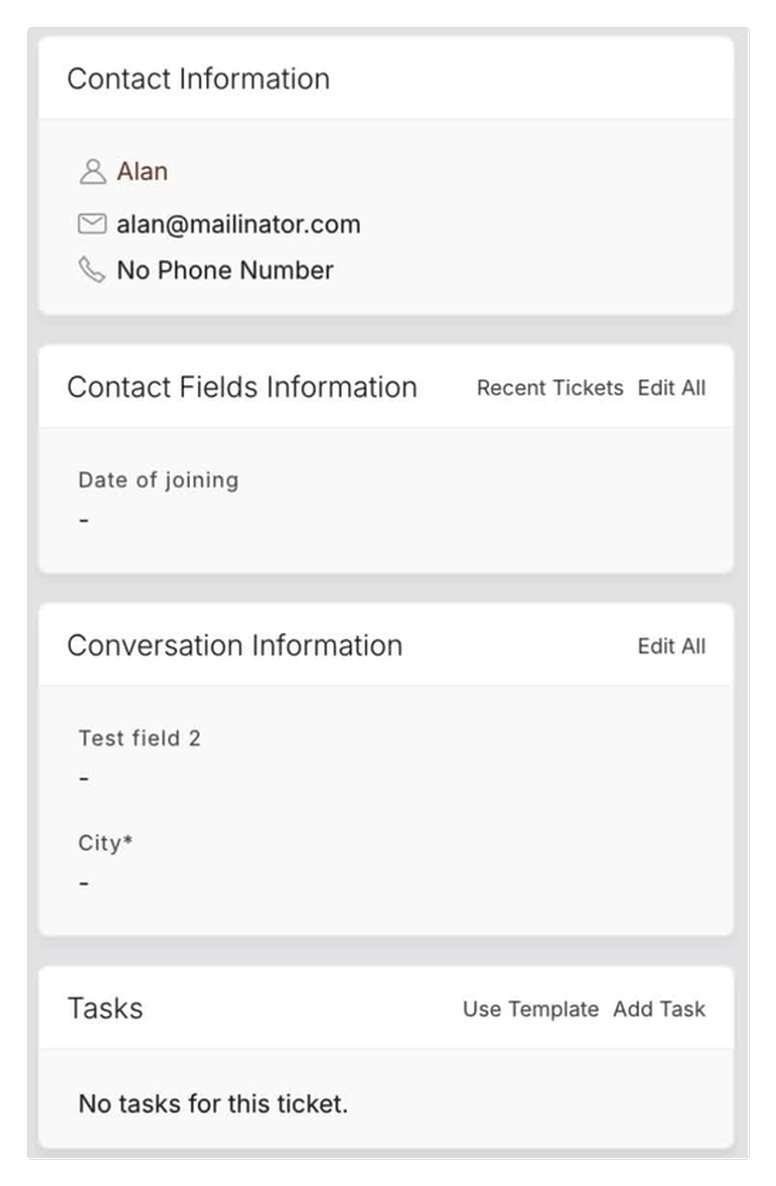
Fields depend on your account configuration; the screenshot uses sample data. Private notes remain in the support context and are not contact messages in the exchange.
Change the category
Use the conversation's category field to select the team responsible for the next step. Destinations are limited to the incoming and additional categories configured for Messaging.
Confirm the selected category after the move. An administrator can update destinations in category configuration.
See real-time agent activity to check who owns or is working on the conversation.