Available on all plans
SEO settings control whether search engines can index your Support Center, and let you set metadata (title, description, keywords, sharing image) for individual pages.
Permission needed: "Manage Support Center settings" and "Perform SEO customization changes in Support Center pages", both grantable to any role. Account admins have both by default.
Steps:
- Log in to your HappyFox Agent Portal.
- Go to Main Menu > Support Center > SEO.
General
| Setting | Description |
|---|---|
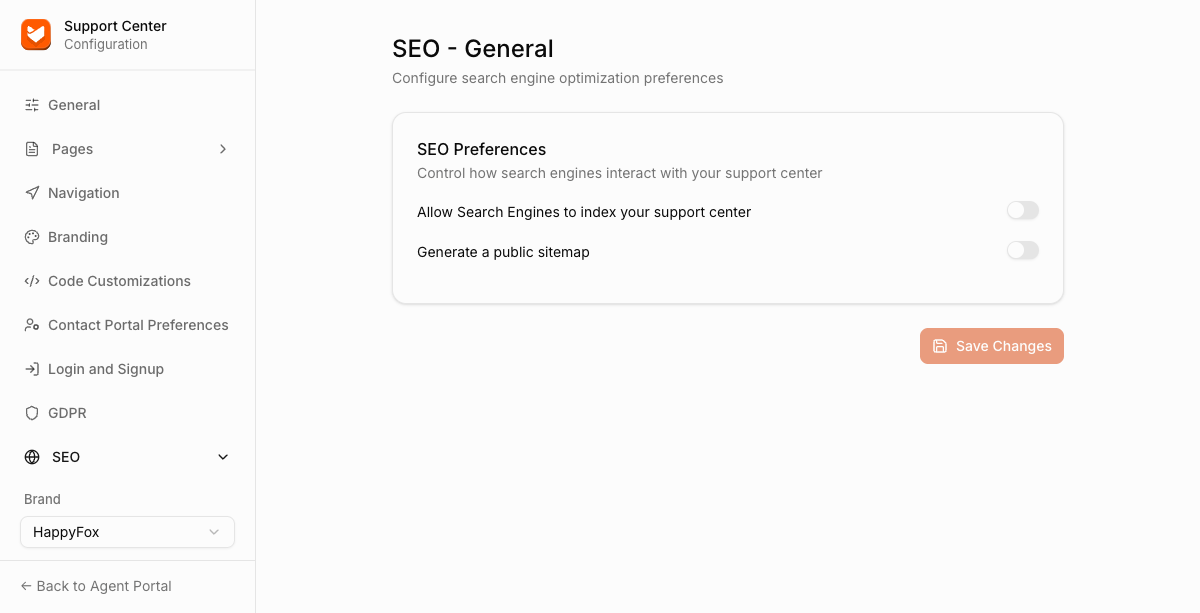
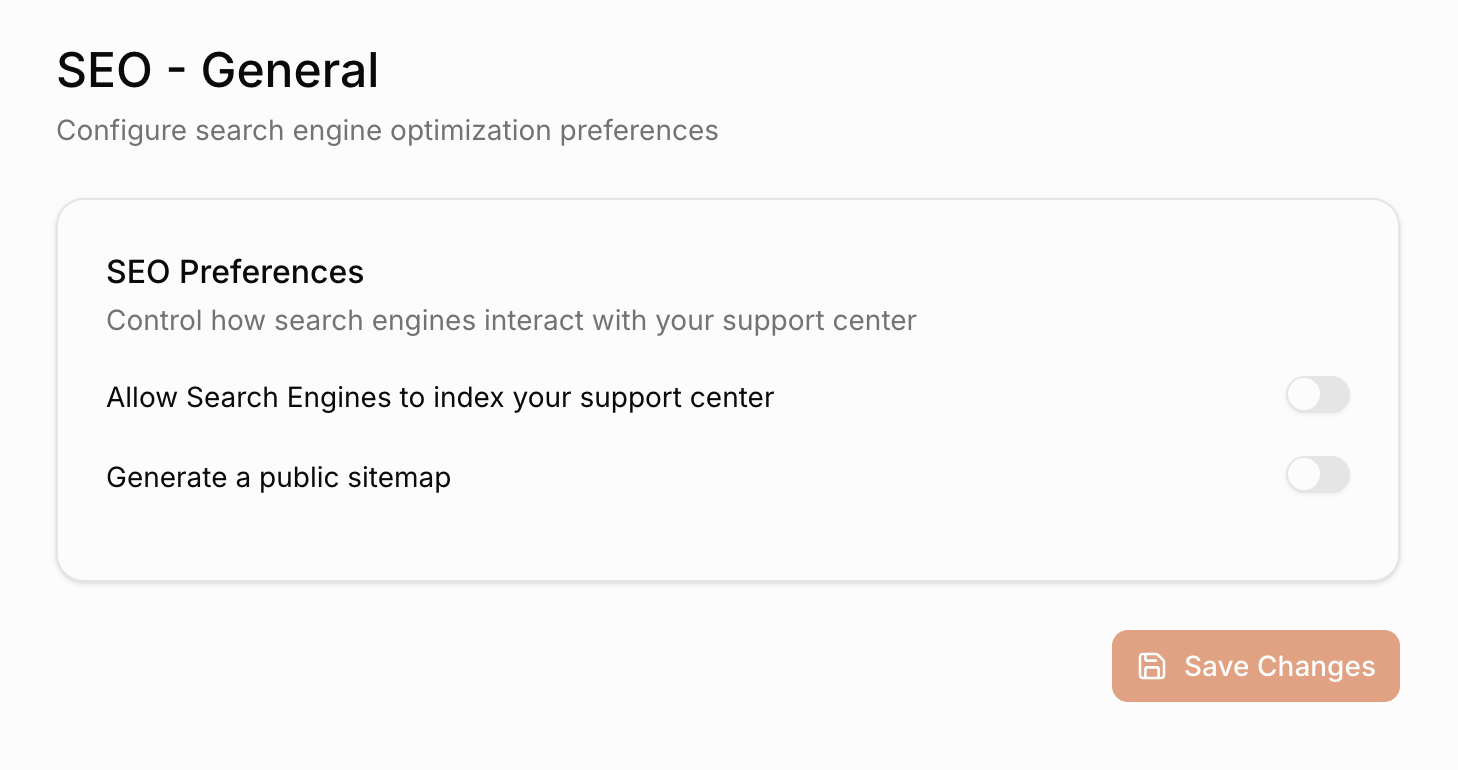
| Allow Search Engines to index your support center | Toggle whether your Support Center can appear in search results. |
| Generate a public sitemap | Toggle a publicly accessible sitemap, useful for submitting to tools like Google Search Console. |
Per-page metadata
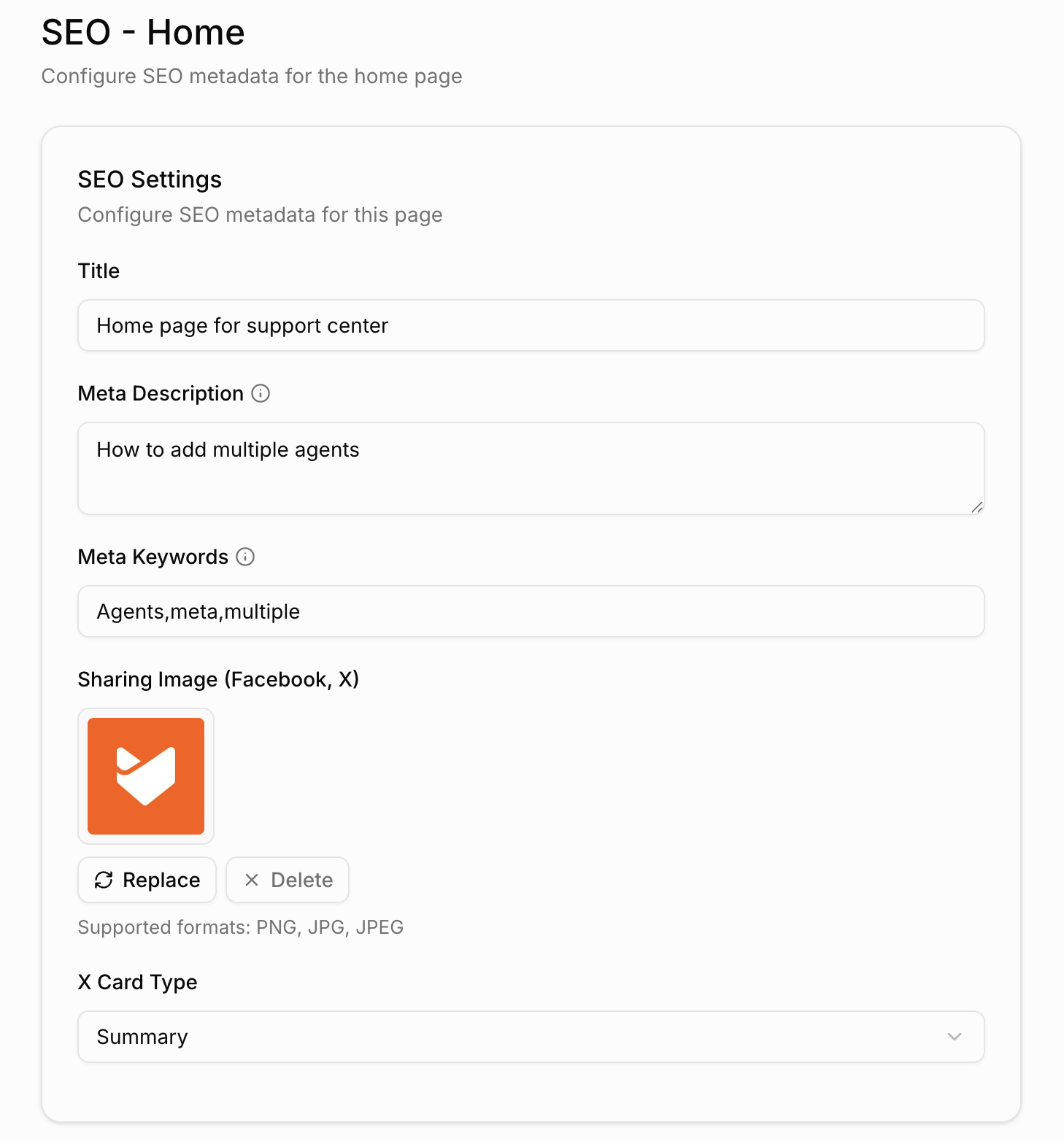
SEO metadata is configured separately for each of these pages: Home, Login, and Submit Ticket. For each page you can set:
| Field | Description |
|---|---|
| Title | The page's meta title. |
| Meta Description | A short description used by search engines. |
| Meta Keywords | Comma-separated keywords. |
| Sharing Image (Facebook, X) | The image shown when the page is shared on social media. |
| X Card Type | The card format used when shared on X. Choose Summary or Image and Summary. |