Available on all plans
These settings control where contacts land when they open your Support Center, how they log in, and whether your knowledge base and forums are open to the public.
Permission needed: "Manage Support Center settings" and "Manage Support Center Login Settings" (to use this page), both grantable to any role. Account admins have both by default.
Steps:
- Log in to your HappyFox Agent Portal.
- Go to Main Menu > Support Center > Signup & Login. Once you're inside the app, the sidebar labels this same page "Login and Signup."
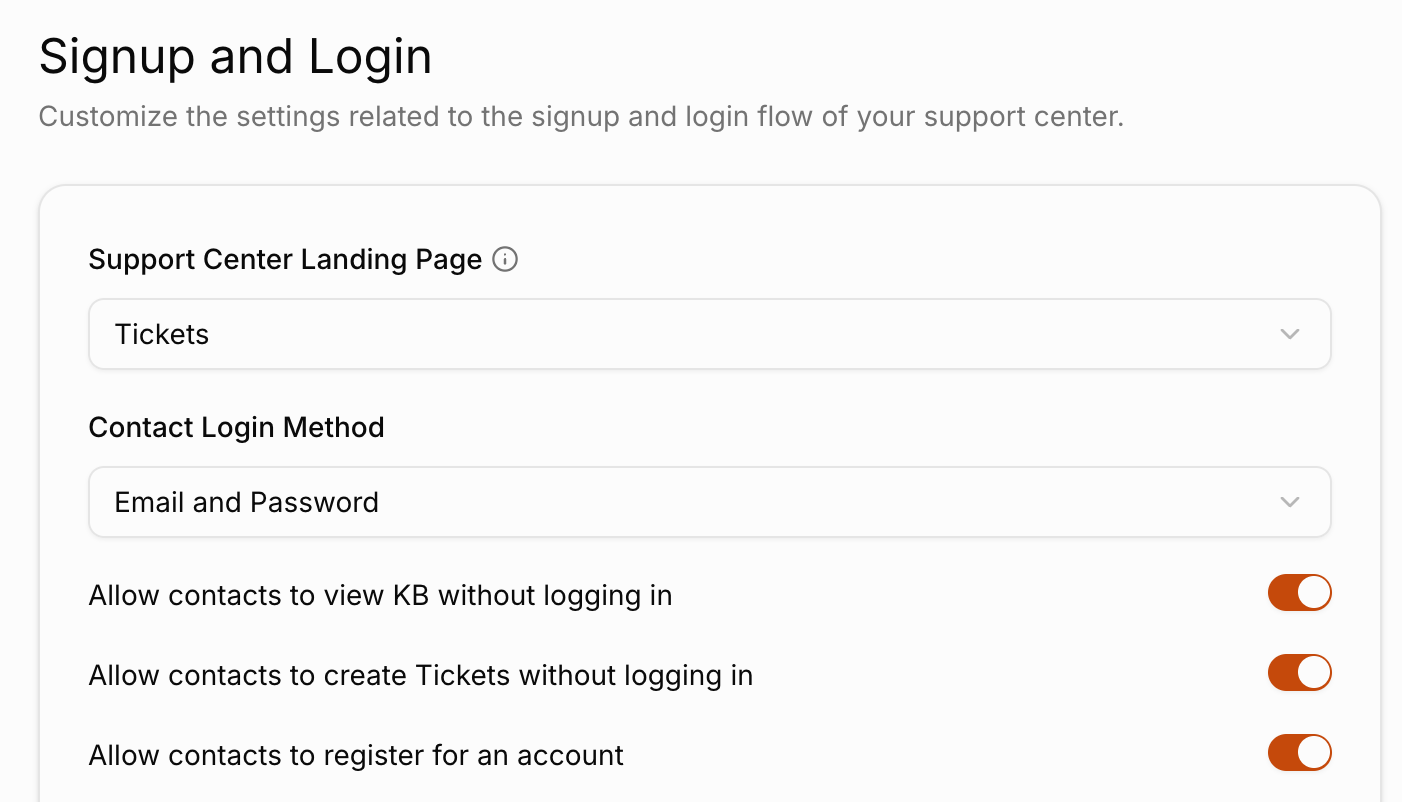
Configurable Settings
| Setting | Description |
|---|---|
| Support Center Landing Page | Which page contacts see first. Choose Tickets, Knowledge Base, or Home. |
| Contact Login Method | How contacts sign in. Choose Email and Password, Email and Ticket Number, or Email Only. |
| Allow contacts to view KB without logging in | Enables public knowledge base browsing. |
| Allow contacts to create Tickets without logging in | Controls whether contacts can submit a ticket without an account. |
| Allow contacts to register for an account | Controls whether contacts can sign up for their own account. |