Available on all plans
Contact Portal Preferences control what ticket details are visible to contacts, and whether they're allowed to close their own tickets.
Permission needed: "Manage Support Center settings" and "Manage Contact Portal Preferences" (to use this page), both grantable to any role. Account admins have both by default.
Steps:
- Log in to your HappyFox Agent Portal.
- Go to Main Menu > Support Center > Contact Portal Preferences.
- Edit your preferences and click "Save."
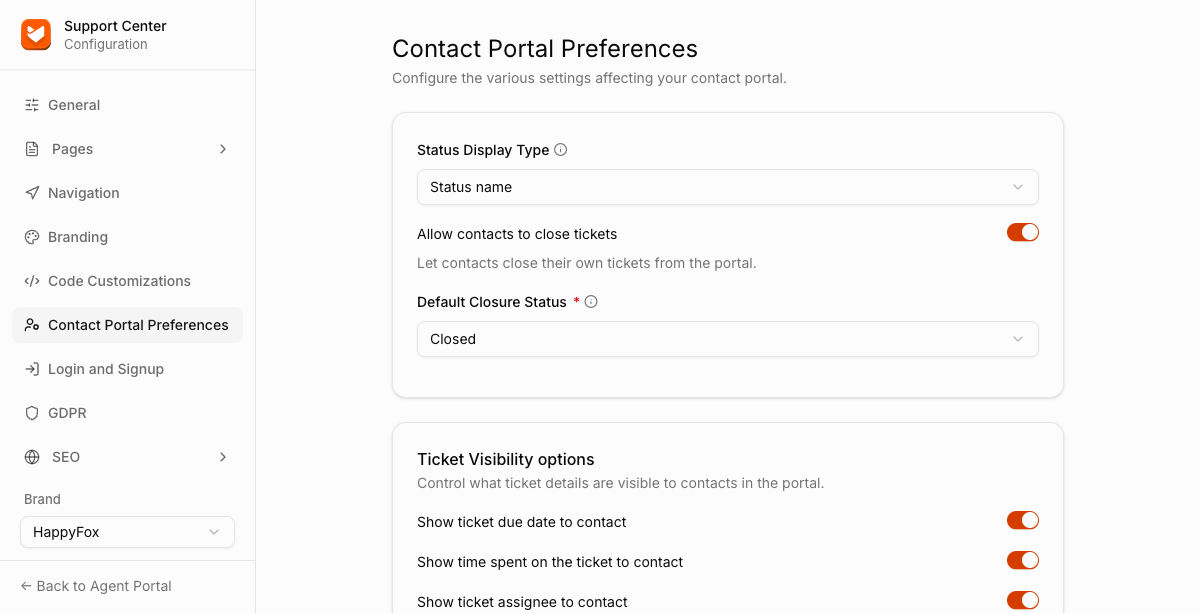
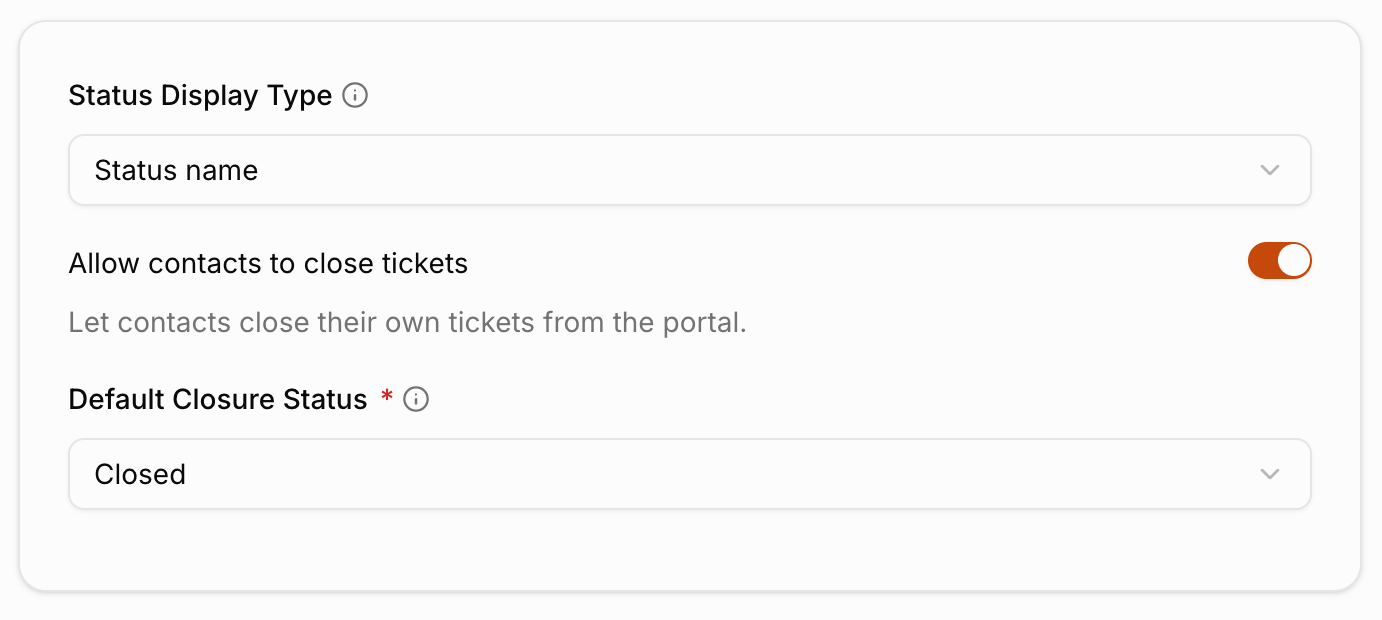
Ticket Closure
| Setting | Description |
|---|---|
| Status Display Type | How ticket status is shown to contacts. Choose Status name or Status behavior. |
| Allow contacts to close tickets | Lets contacts close their own tickets from the portal. |
| Default Closure Status | Which status a ticket moves to when a contact closes it. Choose Closed or Resolved. |
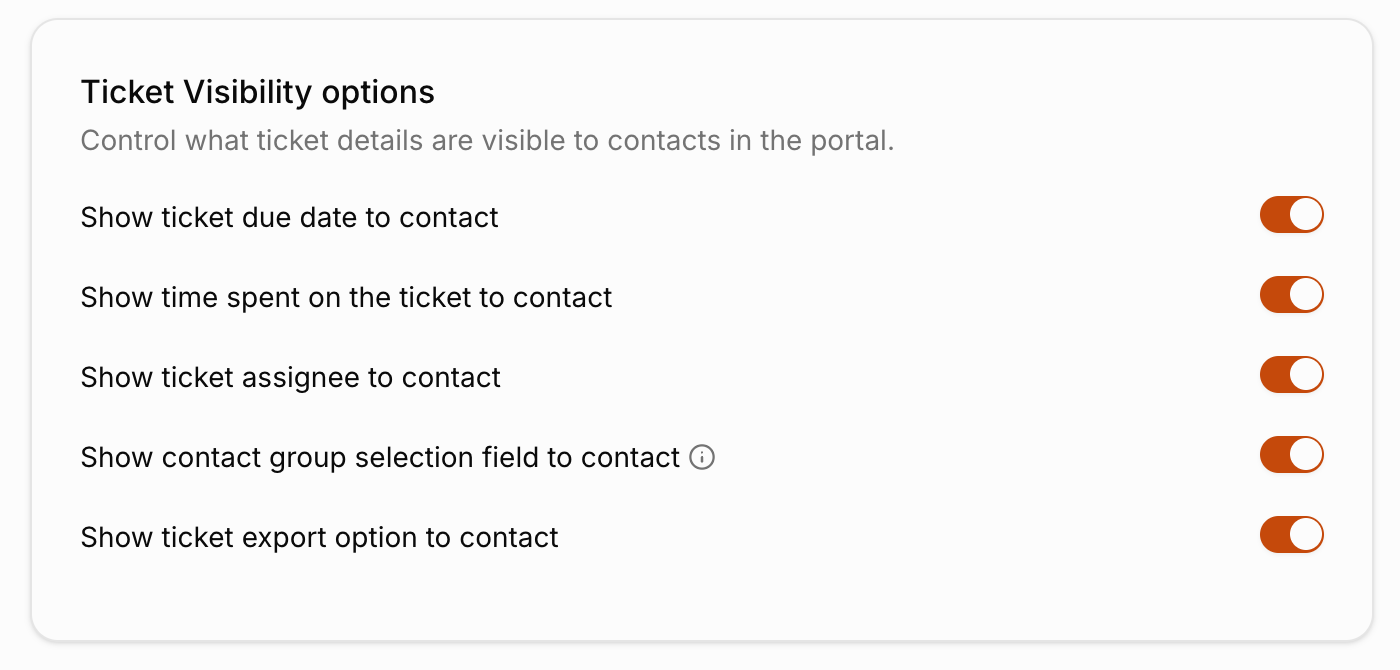
Ticket Visibility Options
Each toggle below is independent and simply hides or shows the matching field or button on the contact's ticket view, there's no partial state (like showing the field but disabling it).
| Setting | Description |
|---|---|
| Show ticket due date to contact | Shows the ticket's due date. |
| Show time spent on the ticket to contact | Shows how much time has been logged on the ticket. |
| Show ticket assignee to contact | Shows which agent is assigned to the ticket. |
| Show contact group selection field to contact | Shows the contact group field. |
| Show ticket export option to contact | Shows an option for the contact to export the ticket. |