Use Investigate prompt to send a buyer question and its AEO context to your AI assistant. The assistant can compare the captured answers and suggest what to look into next.
Send the instructions
- In Prompts or Rankings, open the question and review the available answers.
- In the analysis panel, select Investigate prompt.
- Select Copy instructions, or use Download Markdown if you prefer a file.
- Send the instructions to your AI assistant. If you downloaded the file, paste its contents or attach the file if your assistant supports attachments.
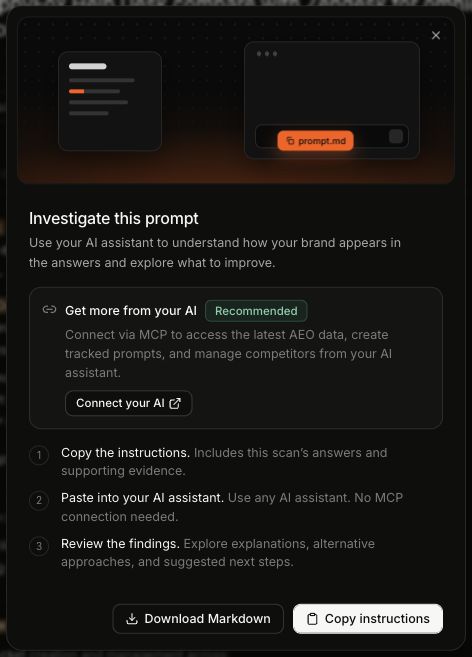
With a usable connection, the instructions direct your connected assistant to retrieve the latest AEO data. Otherwise, the instructions include the selected scan’s available answers and supporting evidence. You can still copy them if AEO can’t check the connection.
To connect from the dialog, select Connect your AI when it appears. Return to the investigation once you’ve authorized your assistant.
Check the findings against the answers
Ask the assistant which engines recommended your brand, what they said about competitors, and which cited pages support its findings. Ask it to identify which findings come from captured answers and which come from its own interpretation or external research.
Treat proposed explanations as hypotheses. Return to the captured answers to check the evidence before changes to content or tracking. If you want the assistant to update prompts or competitors, request the specific change and check that it has the required permission.
For prompts you can reuse with any connected assistant, see Investigate a citation gap.