This article explains what happens when a workflow fails, and how to enable email notifications for failed workflow executions.
What it Does
- Notification content: When a workflow execution fails, HappyFox Workflows emails an alert containing the workflow name, the step number and action name where the error occurred, the error message, a View Run History button linking to that execution, and a rolling 24-hour summary of total runs, successful runs, and success rate.
- Recipients: Notifications are sent to all active admins in your Workflows account.
- Frequency limit: Up to five notifications are sent per hour, to avoid overwhelming your inbox.
Sample error notification email, showing the workflow name, the failed step and error message, a View Run History link, and a 24-hour run summary.
How to Enable It
Enable during workflow creation
- Click Create Workflow.
- Toggle Enable email notification for failed workflows on.
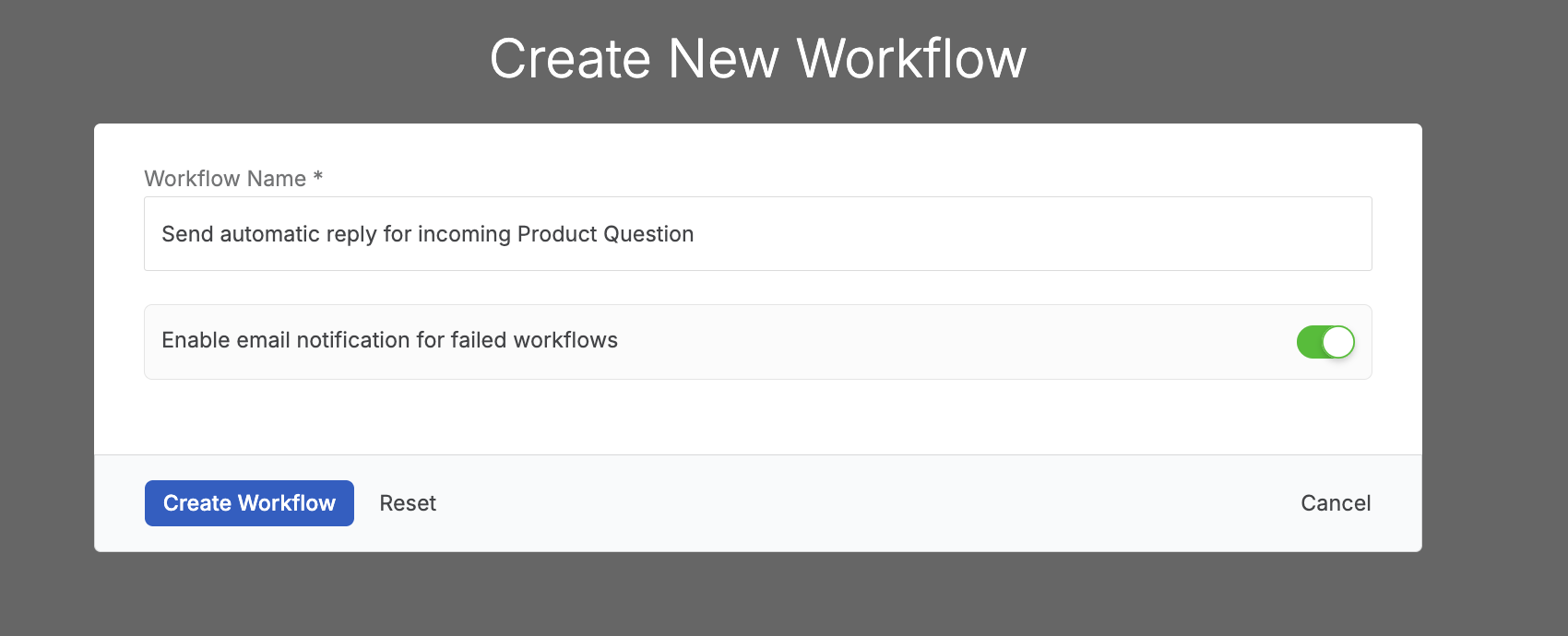
- Click Create Workflow to confirm.
The Create New Workflow dialog, with the failed-workflow email notification toggle enabled.
Enable or disable it on an existing workflow
You can also toggle this setting for an existing workflow in either of two places:
- On the Workflows list, click the bell icon next to the workflow's Enabled toggle to turn notifications on or off directly.
The bell icon on the Workflows list, showing a workflow with notifications currently disabled.
- Click the pencil icon next to the workflow's name to open Edit Workflow, then toggle Enable email notification for failed workflows and click Save.
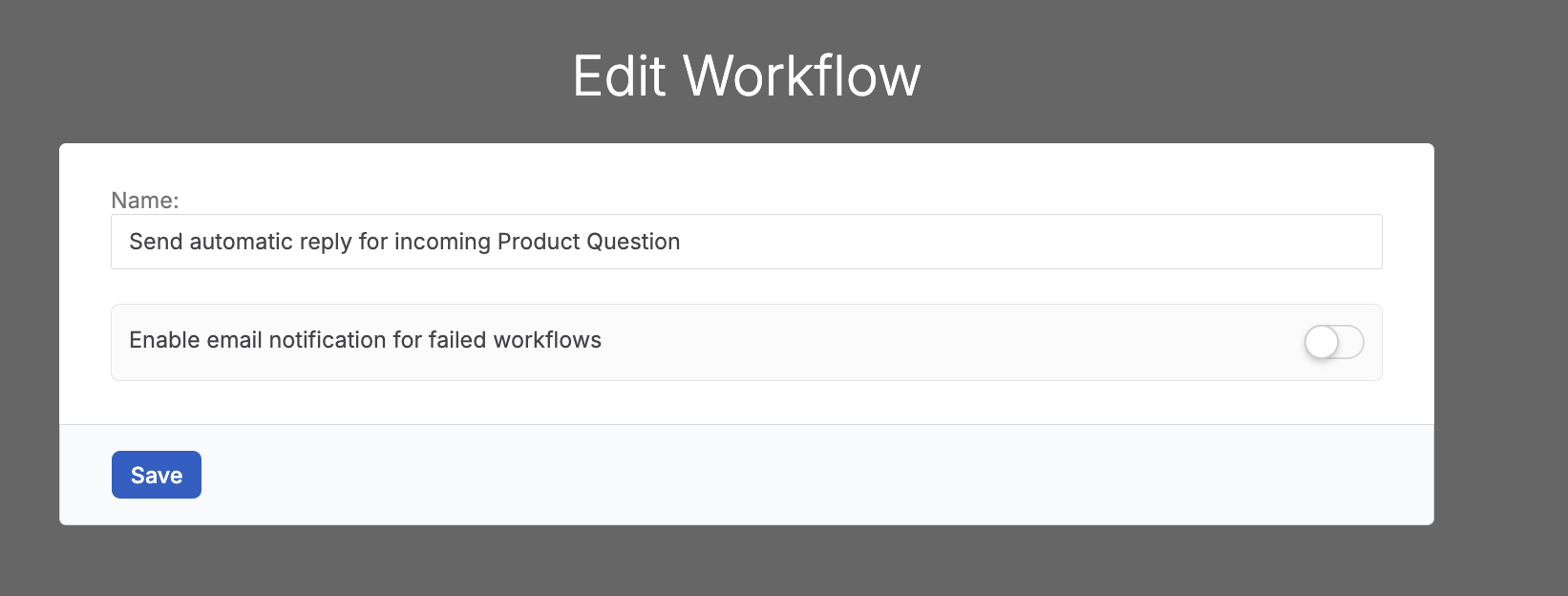
The Edit Workflow dialog, with the failed-workflow email notification toggle available alongside the workflow name.
Once enabled, HappyFox Workflows emails you whenever this workflow fails, up to five times per hour. Next, learn how to use Run History to debug workflow issues using the link included in each notification.