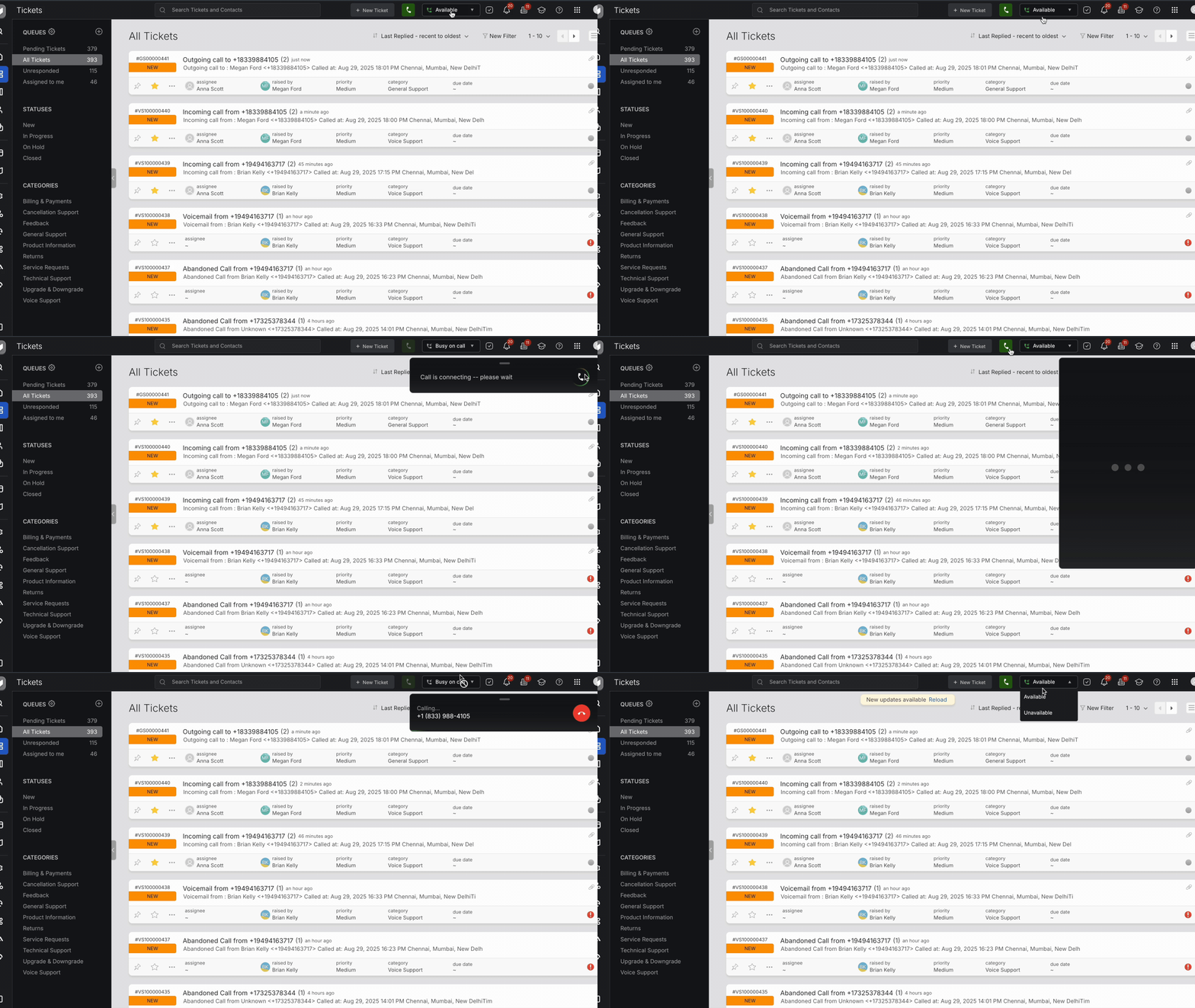
Your availability status determines whether you can receive incoming call notifications or not.
Who Can Change Availability?
Only agents who are part of call routing (via Category or IVR) will see and be able to toggle their availability status.
How It Works
- Available - You will receive incoming call notifications when your status is set to Available.
- Unavailable - You will not receive any call notifications while marked Unavailable.
Auto Status Updates
- When you're on a call, your status is automatically set to Busy.
- Once the call ends, your status returns to its previous state.
- You are marked Unavailable upon login. You can then choose to be available for calls as needed.
How to Change Your Status
- Locate the Availability Toggle in the top-right action tray of the Help Desk interface.
- Click the toggle to switch between Available and Unavailable.
Note: This toggle allows you to control your call availability without affecting access to tickets or other workflows.