You can raise a new ticket from the happyfox mobile app in the following way :
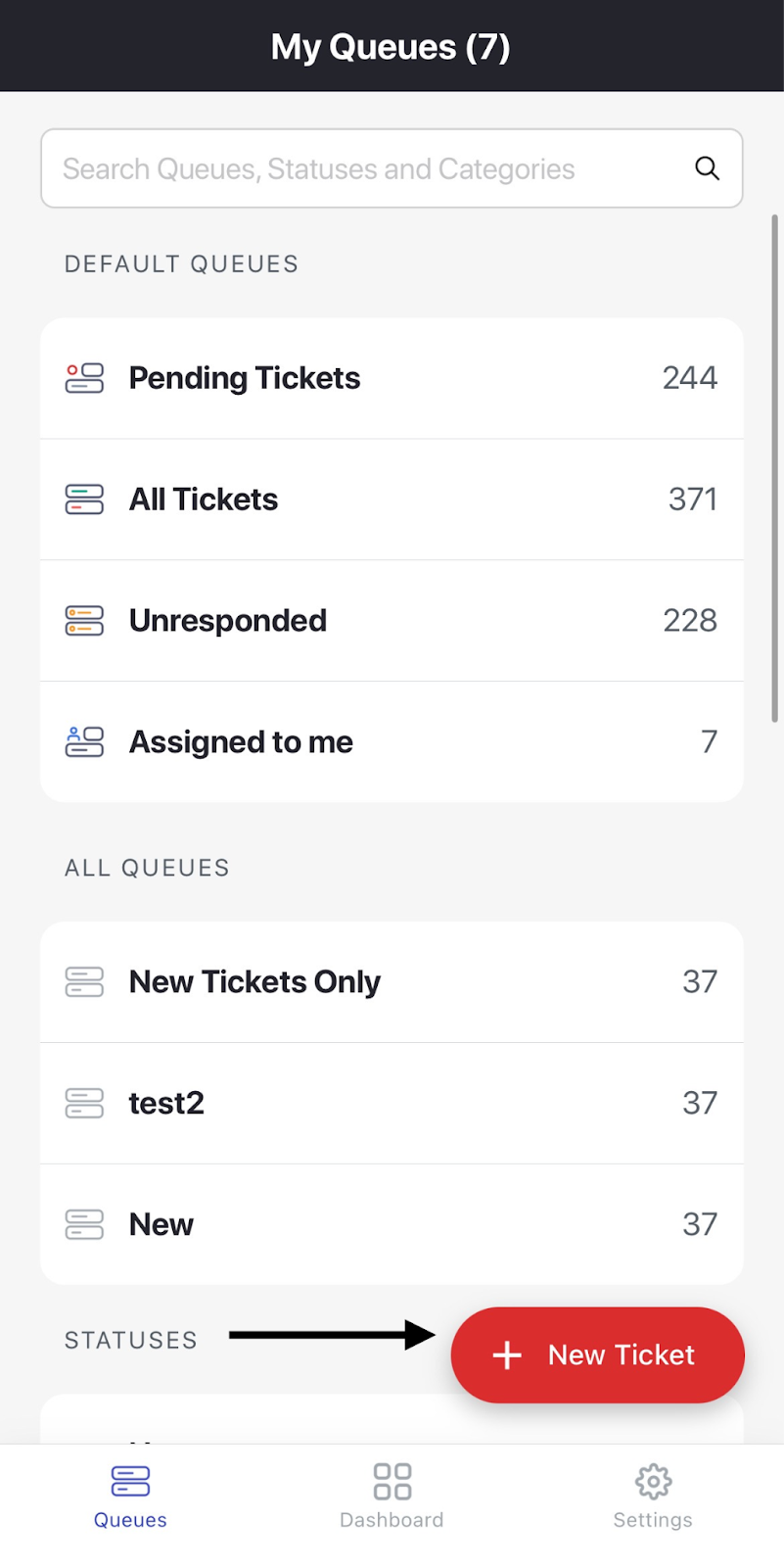
1. Go to 'New Ticket' from the left side menu.
2. Give the registered contact information, relevant subject and ticket message.
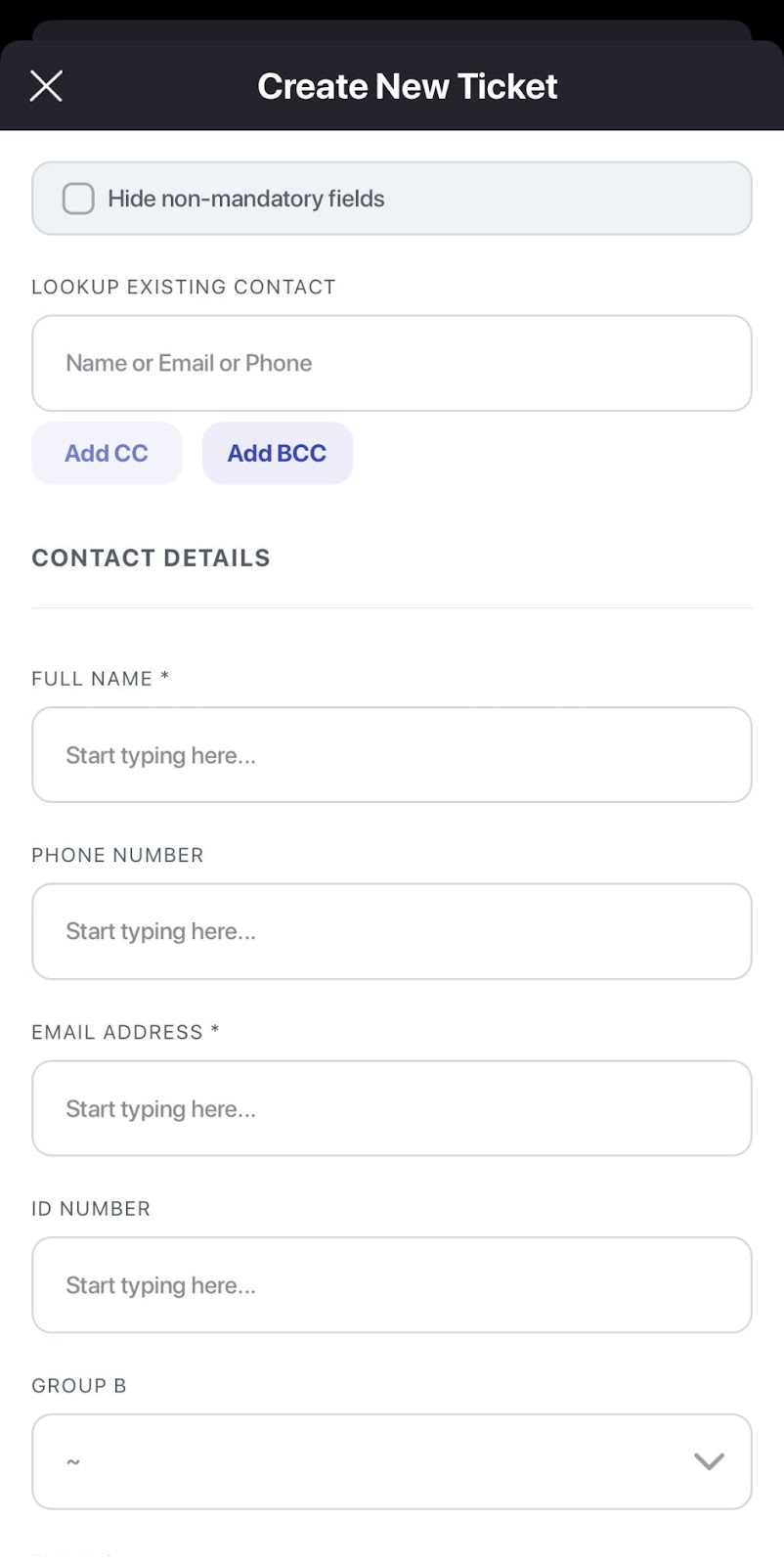
3. If the contact information is already registered, use the Lookup Existing Contact field. If not, continue to fill out the Full Name and Email Address.
4. The final step would be to fill up the mandatory tickets fields, such as category and custom fields if any and then click on 'Create Ticket' by scrolling to bottom most part of the form.