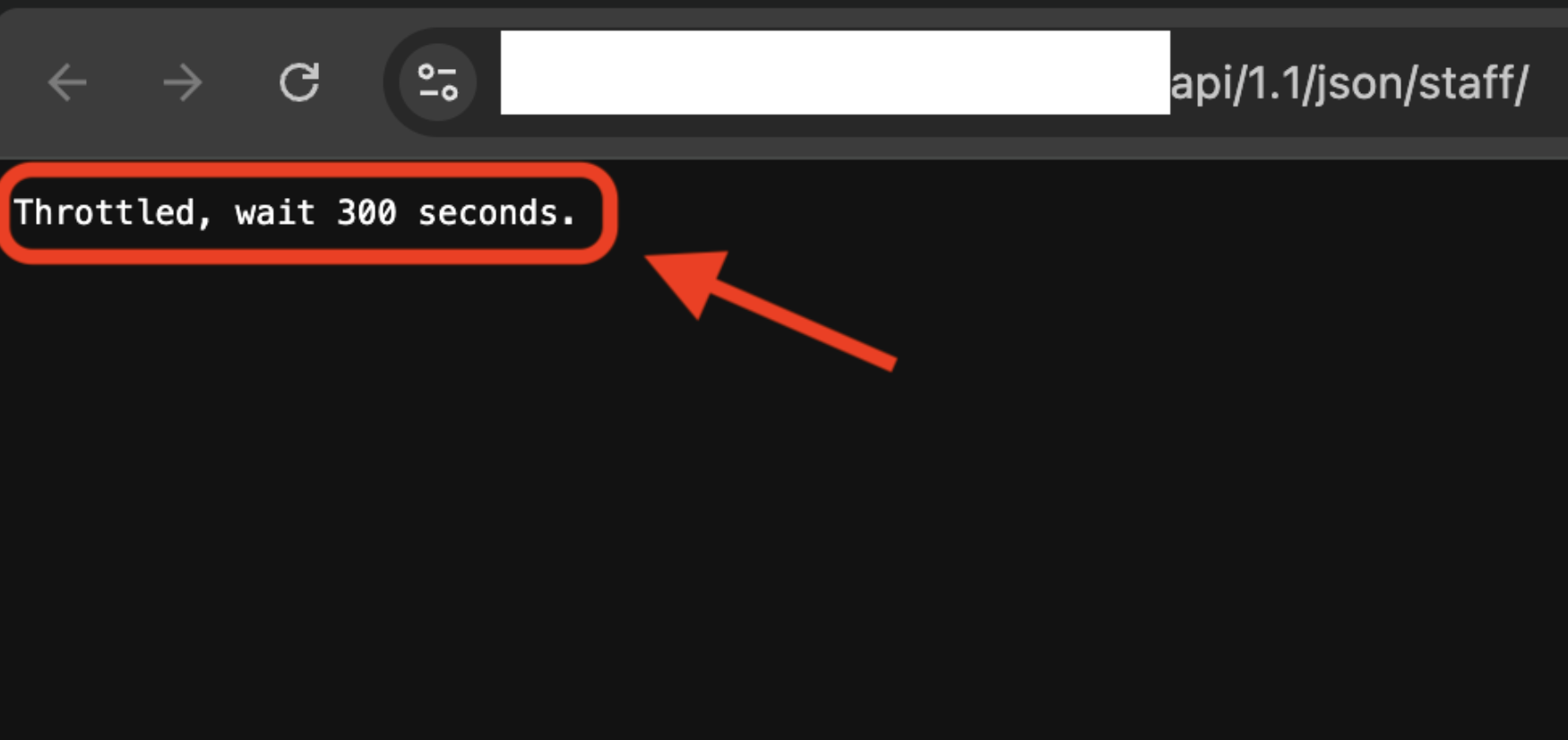
HappyFox uses several safeguards against bursts of incoming traffic to keep the helpdesk stable and responsive. One of these is a rate limiter on Helpdesk Developer API requests. If an integration sends too many requests in quick succession, it will receive error responses with HTTP status code 429 Too Many Requests.
Default rate limits
The following API throttle applies to every HappyFox account:
- GET requests: 500 per minute
- POST requests: 300 per minute
These limits apply to all public Developer API endpoints listed in our API documentation.
Rate limits per API key
You can set a lower rate limit for an individual API key. To do this, go to Main Menu > Apps > Goodies > API > Open the API key and configure the limit for the key.
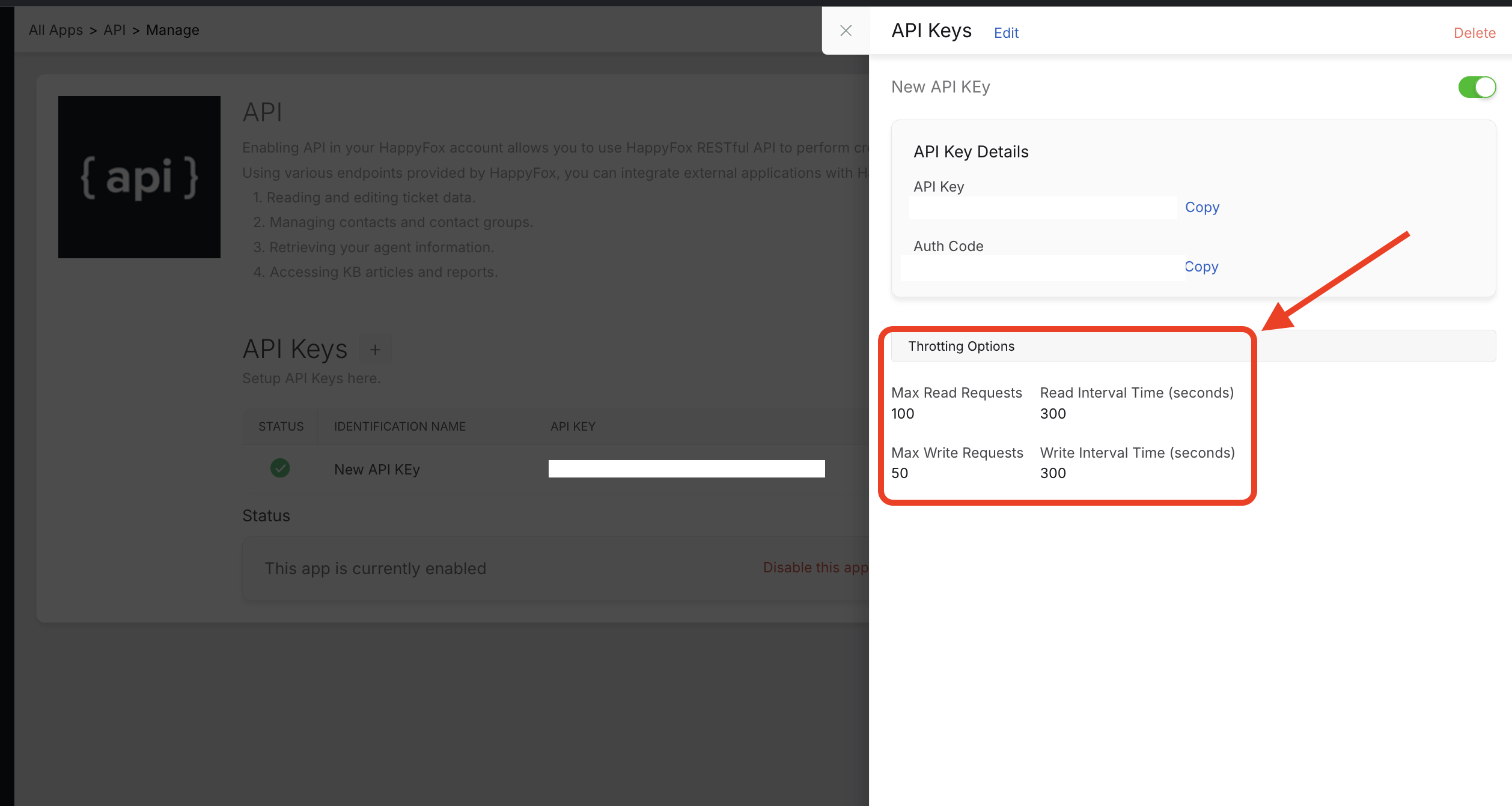
When an API key has a limit lower than the account defaults above, HappyFox applies the API key's limit first. For example, if an API key is set to 100 GET requests per minute, requests made with that key are throttled at 100 per minute, even though the account allows up to 500.
What happens when a limit is exceeded
Once a limit is exceeded, the client receives a 429 error response for all requests.
Tip: To avoid interruptions, spread requests evenly over time and add retry logic with a back-off delay based on the number of seconds mentioned in the response body of a 429 response.
Refer screenshot below.