If an agent cannot access HappyFox Help Desk, you can send them a password-reset link or set a new password for their account.
Available on all plans.
Before you start
You need both of these role permissions:
- Manage Agents
- Manage Agent Password
Authentication note: These reset methods apply when the agent can use standard HappyFox password login. If your organization requires single sign-on (SSO) and standard login is disabled, resetting a HappyFox password will not restore access. See Accessing your HappyFox account when your SSO service is down.
To reset your own password when you cannot sign in, see Reset your password when you cannot sign in. If you are already signed in, see Change your password while signed in.
Reset the agent's password
- In the staff app, go to Manage > Agents.
- Select the agent whose password you want to reset.
- Select Reset Password.
- Enter your own HappyFox Help Desk password.
- Complete the reCAPTCHA, then select Confirm.
HappyFox remembers this verification for one hour. You may not be prompted again if you reset another agent's password during that time.
Choose one of the following reset methods.
Send a password-reset link
Use this option when the agent can access their email and should choose their own password.
- Select Send an email to the agent with a Password Reset Link.
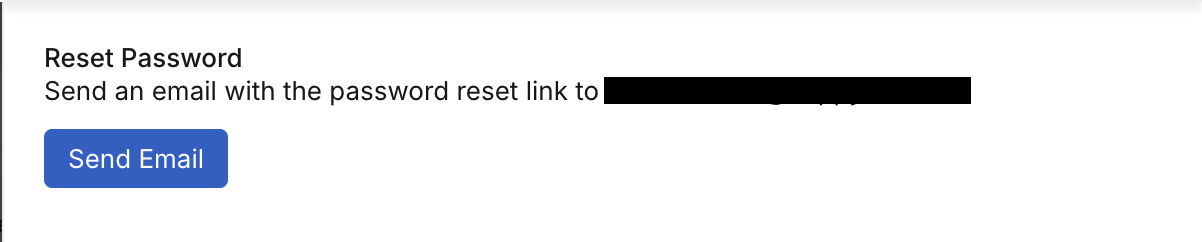
- Confirm the action.
- Ask the agent to open the email and follow the reset link within 48 hours.
HappyFox does not include the agent's existing password in the email.
If the link expires: Send the agent a new password-reset email from their profile.
Set a new password manually
Use this option when you need to give the agent a temporary password directly.
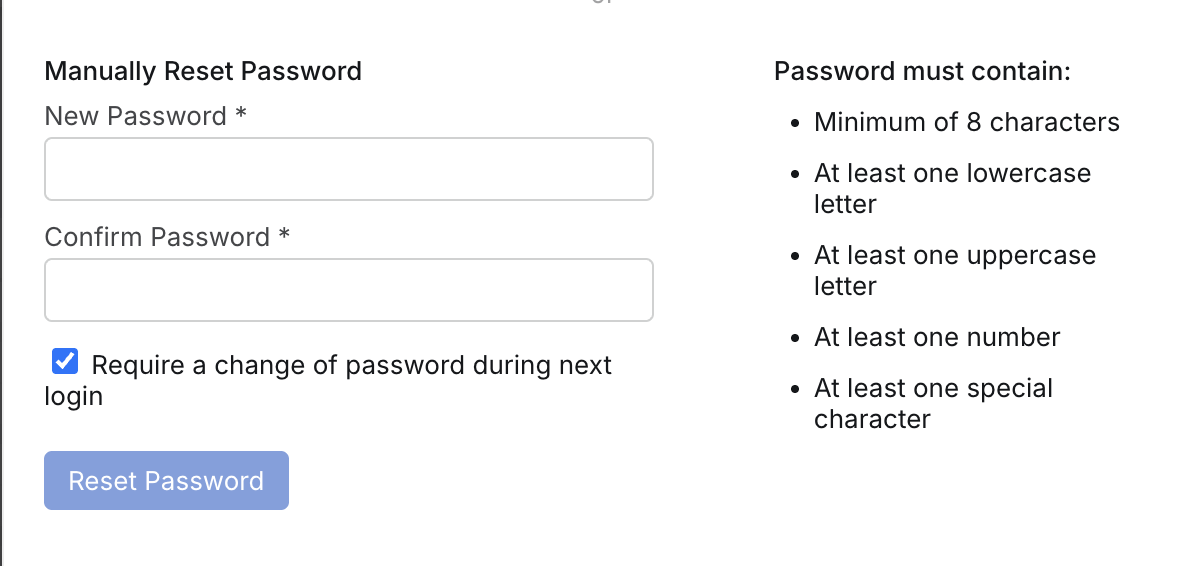
- Enter a new password.
- Enter the password again to confirm it.
- To make the agent choose a new password after signing in, leave Require a change of password during next login selected.
- Select Reset Password.
- Share the temporary password with the agent through a secure channel.
HappyFox does not send the new password to the agent by email.
Security recommendation: Leave Require a change of password during next login selected when you set a password for someone else. Do not send passwords through an unsecured message or ticket reply.
Account Administrator passwords
The Reset Password option is not available on the Account Administrator's profile. Other agents cannot reset the Account Administrator's password. The Account Administrator must reset their password from the staff login page or change it from My Settings.
Troubleshooting
The agent didn't receive the reset email
- Confirm that the email address on the agent's profile is correct.
- Ask the agent to check their spam or junk folder.
- Send a new reset email if the previous link has expired.
The agent can't sign in after the password reset
- Confirm that the agent account is active.
- If you set a password manually, make sure the agent is using the new password.
- Check whether the account is locked after multiple unsuccessful sign-in attempts.