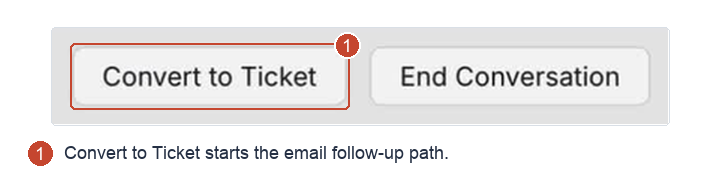
Use Convert to Ticket in HappyFox Messaging to continue support by email. It creates a new email ticket with the conversation transcript attached to the email.
Before you start
Check the contact's email address and outstanding request. You need Add related tickets permission; available follow-up categories depend on your category permissions. See permissions.
If the active interaction is finished, end the conversation as a separate step.
Create the email follow-up
- Open the conversation.
- Select Convert to Ticket in the header.
- Enter the email ticket's Subject and select its Category.
- Confirm the conversion.
Open the new email ticket, review its transcript, and continue the email exchange there.
A contact requesting another agent conversation through the widget starts a new conversation instead. See repeat requests after an ending.