


How to hide a category in the submit ticket form

Feb 13, 2026
 83
83
The following steps can be followed to hide/remove a category from the submit ticket form
- Navigate to Main Menu > Manage > Categories > Open the category that has to be removed from the submit ticket form
2. Set Visible in new ticket form for contact to No and Save
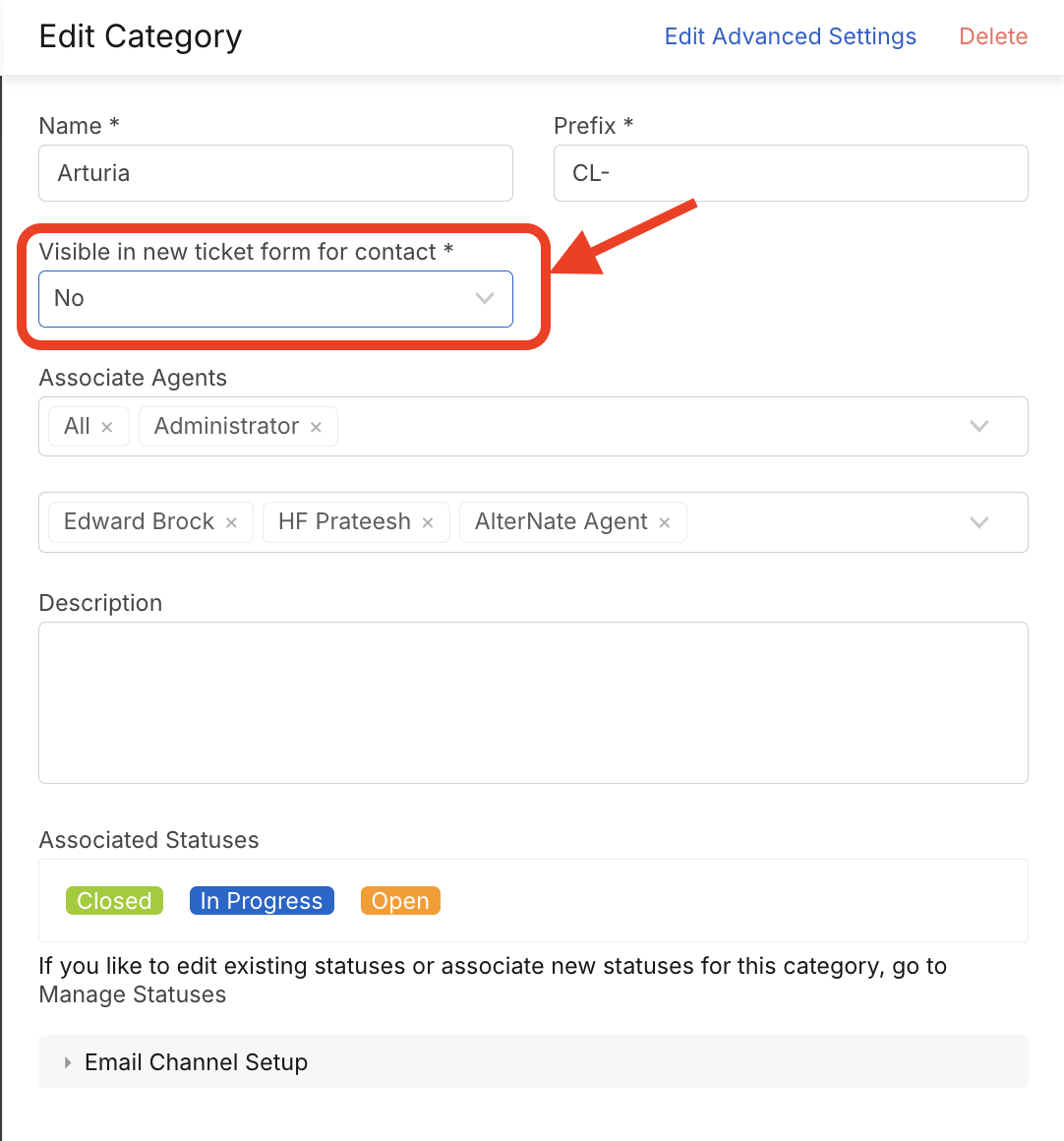
Note: For the submit ticket form to be accessible, there should be at-least one category that is set to Yes for Visible in new ticket form for contact
Result
This hides the category from the new ticket form. Users/contacts who've created tickets in the category will be able to see those tickets on the contact portal. However, new tickets cannot be created.

