The integration between AppFollow and HappyFox Helpdesk enables seamless review management by automatically converting selected app store user reviews into Helpdesk tickets. This allows support teams to track, respond, and follow up on customer feedback directly from HappyFox Helpdesk. The integration streamlines your support workflow by linking app review data to ticketing, ensuring customer feedback from the App Store or Google Play doesn't get missed.
Applicable Plans: ✔ Pro ✔ Enterprise Pro & ✔ All Unlimited agents plan
Setting Up the Integration:
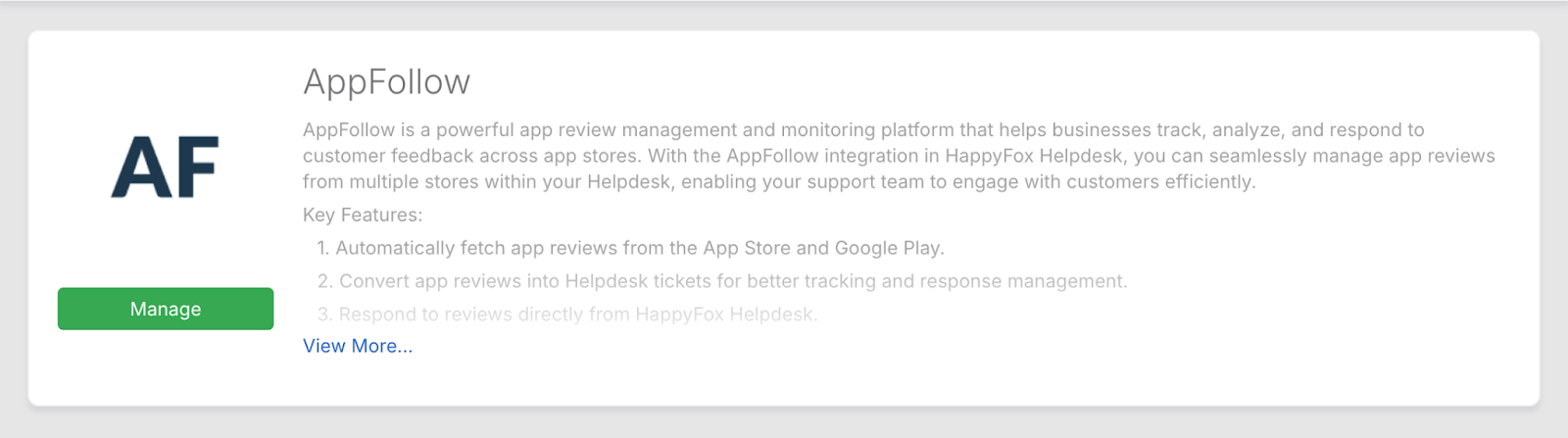
- Navigate to Manage > Apps in HappyFox Helpdesk.
- Under the Review Management category, locate and click on AppFollow.
- Alternatively, use the search bar to find "AppFollow".
- Alternatively, use the search bar to find "AppFollow".
Authentication via AppFollow API:
To connect HappyFox Helpdesk with AppFollow, you’ll need to generate an API token from your AppFollow account. Follow these steps:
- Log in to your AppFollow account.
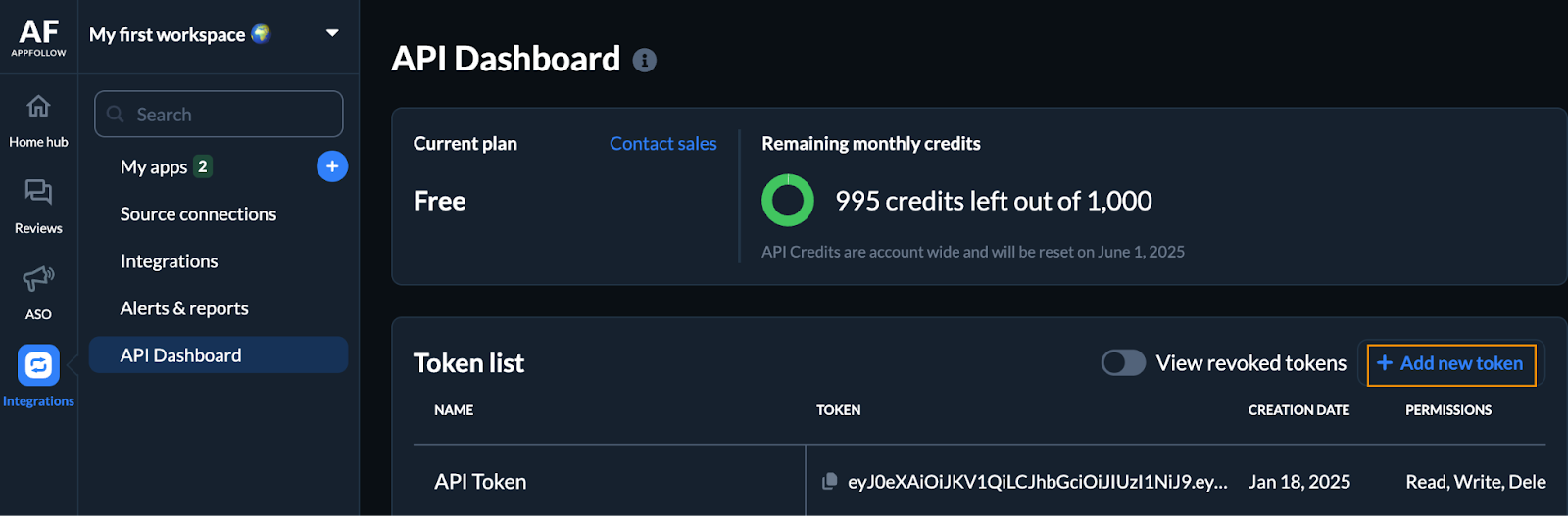
- From the left-hand menu, navigate to Integrations > API Dashboard.
- Click the "Add New Token" button to create a new API token.
- In the token creation form, provide the following details:
- Token Name: Assign a meaningful name (e.g., “HappyFox Helpdesk Integration”) to identify the token.
- Permissions: Select Read and Write to allow full integration access, including reading app reviews and posting replies.
- Workspace: Choose the appropriate workspace associated with the app(s) you want to monitor and respond to.
- Click Create to generate the token.
- Copy the API token immediately — you will need to paste this into the HappyFox Helpdesk integration page.
Now, in HappyFox Helpdesk:
- Paste the API token in the AppFollow Manage Page.
- Click Save.
This will trigger a side tray where you must:
- Select the Workspace from AppFollow.
- Choose the App you want to sync user reviews from.
- Select a Categories under which tickets should be created.
Note: Only categories without email channel configurations will be listed. - Click Save to complete the setup.
Webhook Configuration for Review Sync:
After completing the above setup, HappyFox Helpdesk will generate a Webhook URL.
To configure webhook in AppFollow:
- In your AppFollow account, go to Integrations > Webhook.
- Click Add Webhook.
- Paste the webhook URL generated from the HappyFox integration page.
- Select the Review Events for which tickets should be created in HappyFox Helpdesk.
Available event types include:
- Only feature
- Become better
- Become worse
- Import history
- Only beta feedback
- By language
- Star rating-based reviews
Once configured, click Add Integration.
Any new user review matching the selected app and chosen event types will be converted into a ticket in HappyFox Helpdesk.
Important Notes:
- Ensure the corresponding App Store ID is added in AppFollow. Without it, agents will not be able to reply to the review from within HappyFox.
- Only one AppFollow app can be linked to each HappyFox integration instance.
What Happens Next:
Once the webhook is configured and integration is complete:
-
Any new user review on the selected app, matching the chosen review event types, will be automatically converted into a ticket in the assigned HappyFox Helpdesk category.
-
These tickets will include review metadata (such as star rating, review content, language, and app version) and will be handled like any other Helpdesk ticket.
-
Agents can respond to the review directly from within the ticket interface—provided the App Store ID is correctly set in AppFollow.
This ensures your team never misses critical user feedback and can respond promptly from your centralized support environment.